Hey there,
It’s Shivam here.
A week has gone so fast, and I’m back with the Second Edition of my LearnAWS Weekly.
A lot can happen in a week. This is what happened in mine:
- A Waning Gibbous Moon changed into a Waning Crescent, everywhere on Earth
- The temperature in my city rose by 4°C (Delhi)
- I took the red pill and worked with AWS every day (SES, Amplify, DynamoDB)
- Made a cool AWS Riddles game (live link at the end of this)
Dig in. I have so much to share.

How’d the first Edition fare?
The first edition started out with a bang.
35 subscribers.
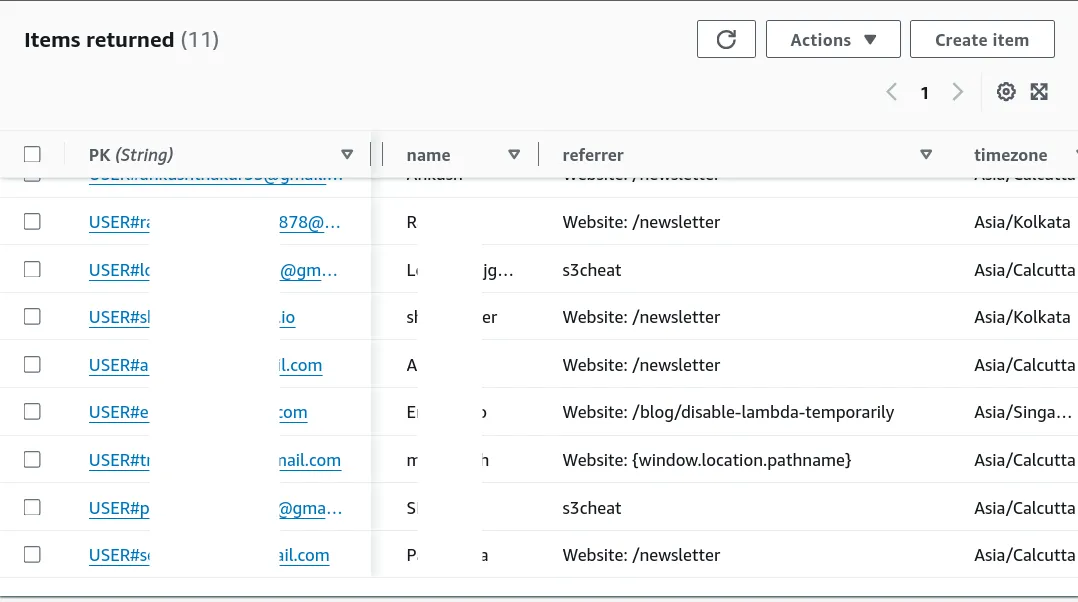
Obscured some of y’alls names for obvious reasons :)
SES Email Stats?
75% of you were open to reading the First Edition.
How do I know all these?
Am I looking at you through a hidden camera in your room?
No, silly!
I just use the email tracking features on my SES Virtual Deliverability Manager Dashboard (VDM).
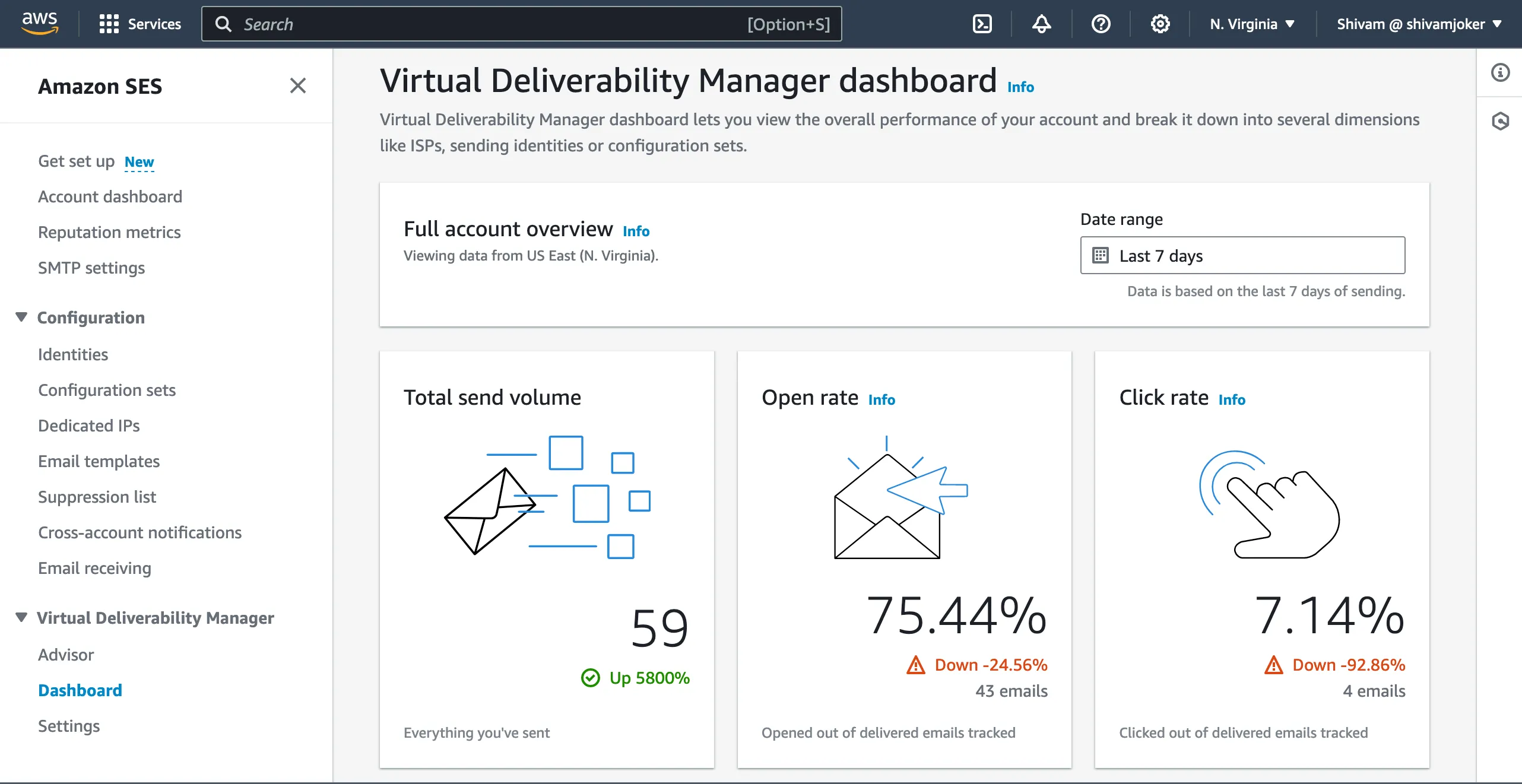
It lets me know the basic email analytics, like:
- how many emails I sent
- how many got opened
- how many of them got their links clicked

59 sends, out of which 20 were actually sent to me by myself.
Testing emails is a given!
Also, 0 transient bounces, 0 permanent bounces.
Thanks to everyone for not putting in a fake email while signing up for my Weekly.
I mean you can’t. Every email gets verified before it stays forever. DynamoDB TTL removes the dead fishes (we’ll talk about it in another edition).
AWS Game to Tease Your Brain
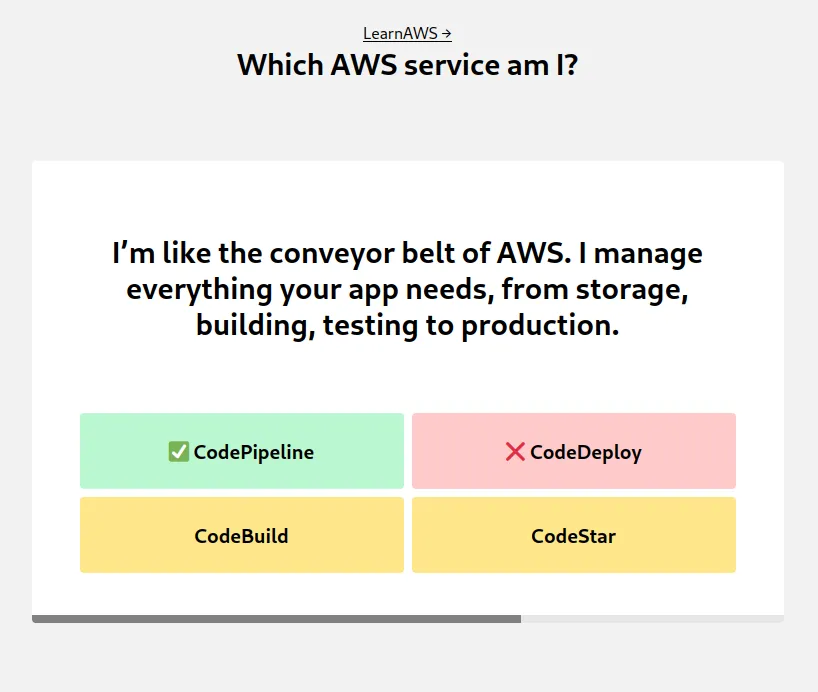
Check out the new game for my AWS geeks - AWS Riddles
You can try and guess all you want.
But it’s not that easy to get a perfect 10 / 10 score on this.
It even has a dark mode for night-owls.

Try it, and let me know how much you scored by replying to this email with a screenshot of your score!
AWS Support tickets
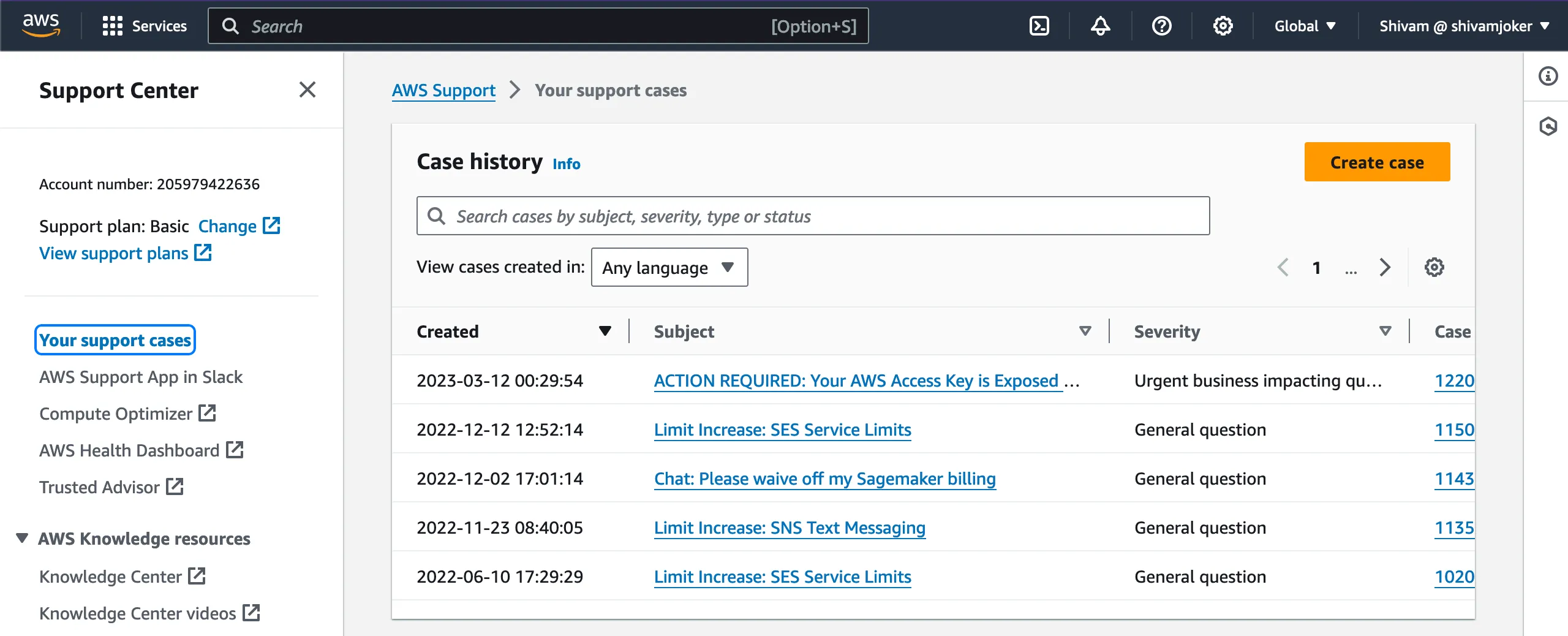
If you see the picture, I know what you’re thinking.
You just opened 5 support tickets. How is that possible?
Don’t look at the third one. I have learnt my lesson in using Amazon SageMaker with Alarms.
Most of the support tickets I open are not in my own AWS account, but in my clients’ AWS accounts.
Honestly, AWS Support is not that bad.
You just need to be very clear on what you want from them, and they’ll be as kind as a mother.
Maybe, not so kind when you try to get Amazon SES / Pinpoint access with a half-baked website.
Added one click unsubscribe headers to my AWS newsletter emails
This is a cool feature, but please don’t actually try it out.
If you unsubscribe from this email, there’s no resubscribe button (for now), so you’ll stop receiving my cool emails.
The Unsubscribe button looks juicy, but keep your fingers (and mind) away from it.
How did I do it?
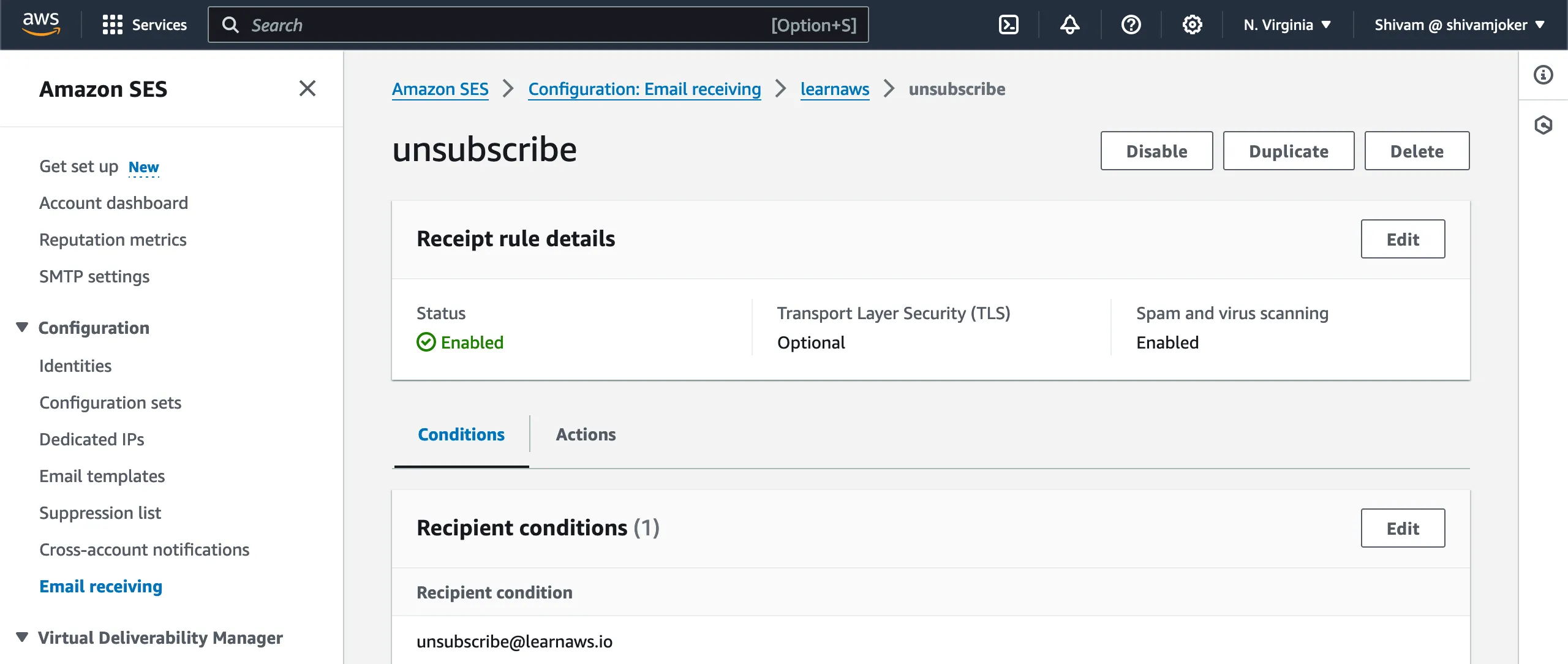
Easy peasy. I put in a Receipt rule.
I’ve put the condition to match emails coming form [email protected] and redirect it to my own email so every time a user unsubscribes it breaks my heart.
Some fun in the browser console
You know JavaScript? You have to know console.log().
Amirite?
This could be something you already know, or this could be homework.
Put your detective hat on, and find out what the following do.
console.group()&console.groupEnd()console.count()console.trace()
Want to learn more about logging in console? Checkout this MDN guide on console logs.
How to evade save tax by adding your country GST registration in AWS
I checked my bill for April.
I saw I was being taxed for my AWS Services, that too in US Dollars.
Why tax me?
- I am not the end user. I am the developer (who might have a small business).
- I have a GST registered.
So I did what any individual in India would — bargain for my AWS account bill.
I added my deets for tax registration.
We’ll see if this reflects in the next months’ bills :)

Do you see all the AWS tabs I have open in my browser?
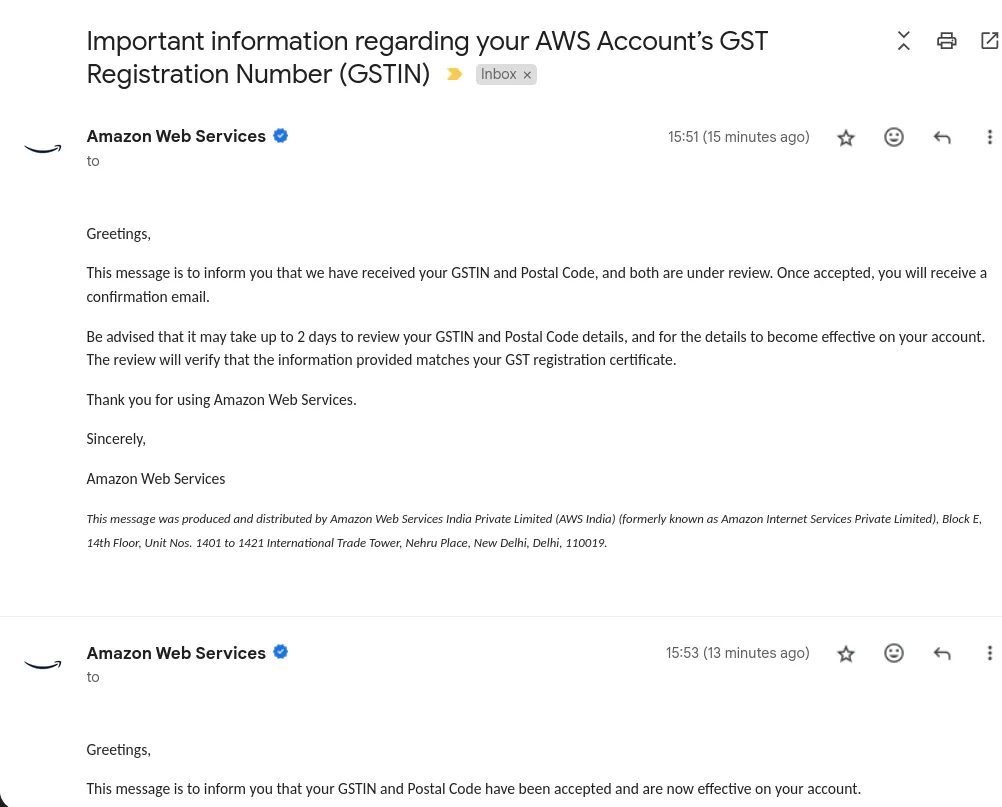
GST tax registration with AWS got confirmed
Soon after, I got a confirmation from AWS saying that my GSTIN and Postal Code have been accepted and are now effective.
New features in AWS Mail (SES Template Manager)
The SES template manager has moved away from just using the HTML textarea element to let users experience the beauty of HTML.

Code editor for template HTML
The new code editor uses codemirror which enables all these features.
- Syntax highlight
- Autocompletion for HTML & CSS
- Find / Replace (
Ctrl + F)
Email’s HTML markup validation
Email HTML also needs to be validated before sending it to 1000s of users. The email HTML template might have:
- missing attributes like alt or src on the images
- missing HTML language
- missing closing elements
- non-encoded special character like
&
Don’t worry you won’t miss them anymore. Just click on the Validate button and you’ll get all the errors and warning in the popup.
You can drag and resize the popup as well.
If you’re curious. We are using HTML-Validate to validate the HTML.
HTML Code formatter
Who wants to manually go through every line of the code and press tab 300 times? Just click on the Format button and your email HTML template will be formatted in jiffy.
The code gets formatted with js-beautify.
Create your first email templates with SES Template Manager to try these features out.
Resizable editor and preview panel
Now you can preview how your email looks in mobile and desktop view by using the resize bar.
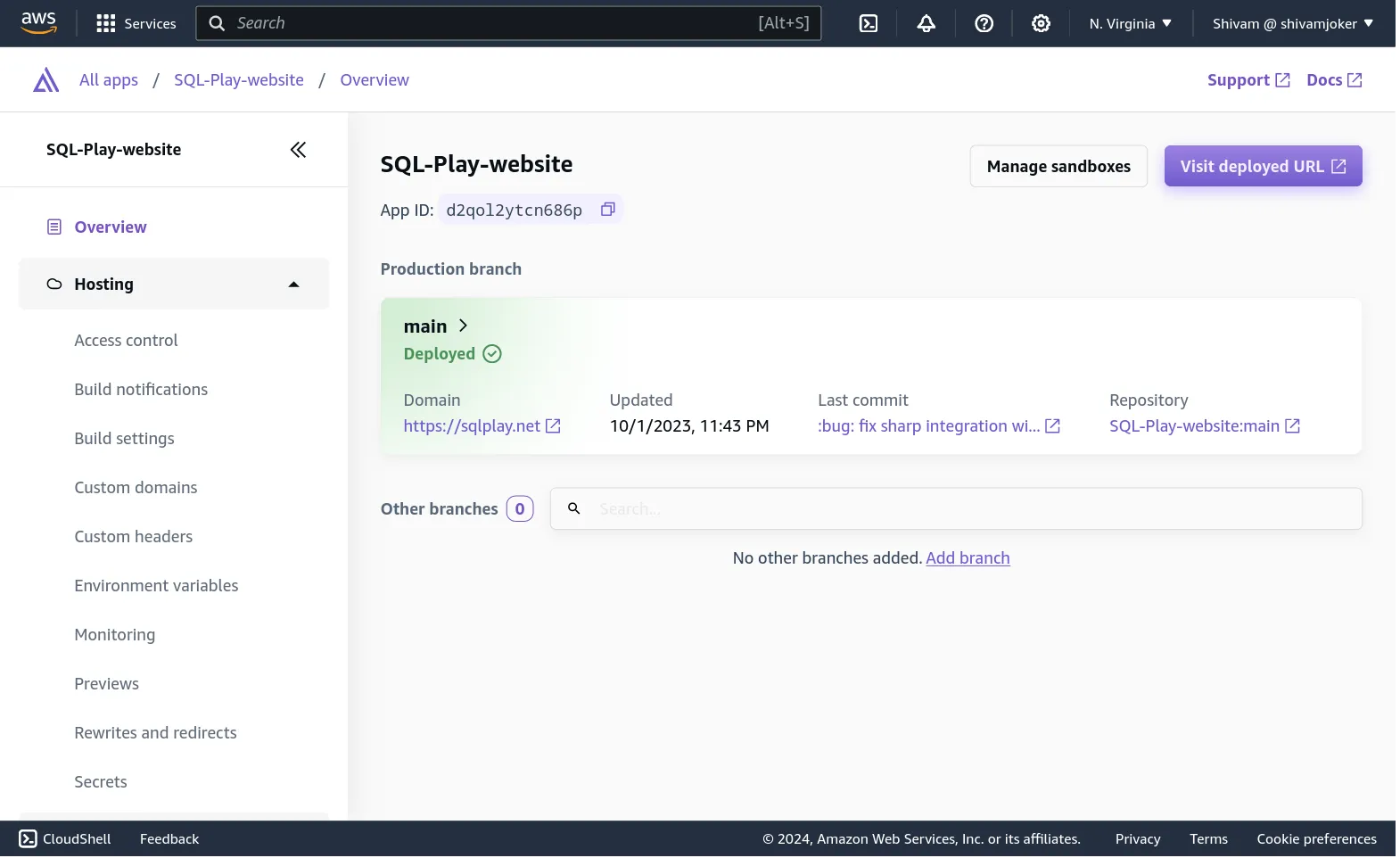
AWS Amplify Updates
The UI looks different.
The projects on AWS Amplify are now shown in big green cards.
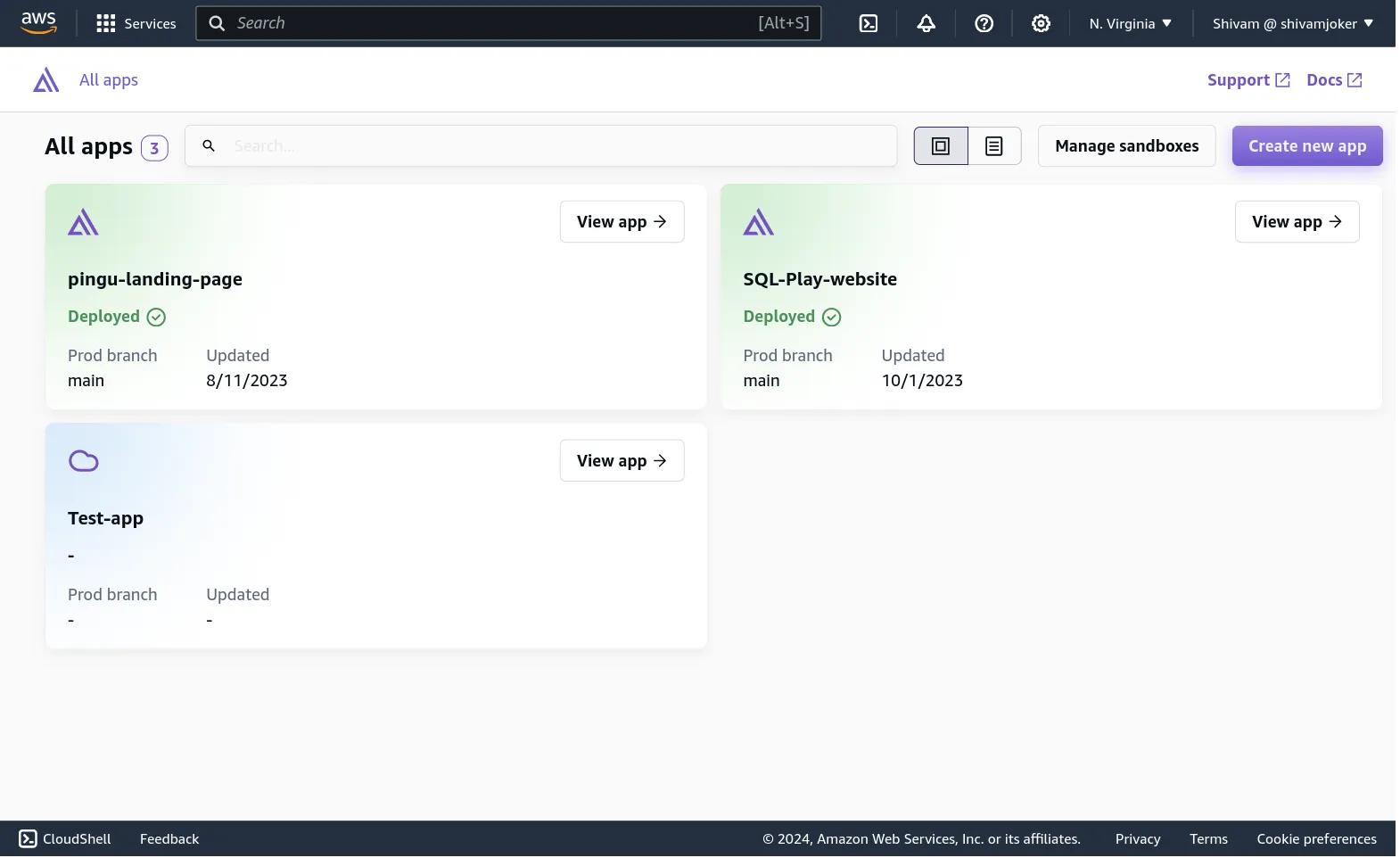
Opening a project shows similar settings and menus, just with different UI.
Amazon DynamoDB lets you set hard limit on your on-demand table
No more unexpected DynamoDB bills.
With this new configuration even when you’re using a DynamoDB table which uses on-demand capacity mode (pay per request) instead of provisioned mode.
From today you can set how much of maximum RCU or WCU can be used on the tables.
To enable this go to your DynamoDB table Additional settings in AWS console and click on Edit.

This isn’t the best email.
Please tell me, how can I make it better? This email took me 5 hours to write, it’ll take you 5 seconds to reply.
You’re free to say:
- This email sucks
- It’s not beginners friendly
- Keep them coming
I won’t mind.
And hey, did you forget to send me the answer to the riddle?