Hey, It’s Shivam here.
It’s been four weeks since the first LearnAWS Weekly Newsletter.
What happened this week?
I got my hand onto a RaspberryPi 5 board and did some experiments. I am going to use it as a server, router firewall and to display a webpage on a monitor.
Today we will be covering:
- Build your application with CodePipeline and deploy it to EC2
- New feature in Amazon SES - Mail Manager
- JavaScript vs Go vs Rust, which language to use for serverless?
- NextJS gets faster on EC2
- The best API builder / CMS for small projects
- Hosting applications and servers on Raspberry Pi
Build your application with CodePipeline and deploy it to EC2
These past few months I’m working with EC2 a lot, and I don’t like to manually build and deploy application on EC2 to a NextJS website with SSR. Why though?
NextJS build crashes on 1 GB of RAM
If your application is complex, you’ll end up with a stuck SSH session on running the build command for your application.
You may ask:
Why not just increase the RAM to 4GB or 8GB?
If you have cash to burn and willing to make some holes in your pocket, sure.
Why not build your application on EC2?
Let me tell you about the other disadvantag. Your website is serving to hundreds of people every minute and you decided to push a new change.
The build command gets executed, now all the CPU gets eaten by the build process.
What might happen in the next 15 minutes:
- Website loads 5x slower
- Request times out
- Even worse, the entire web server hangs
You end up force stopping and re-starting your virtual server again.
Build your application in CI/CD pipeline
You have the option to use AWS CodePipeline and CodeBuild to run the build and deploy the build files on a S3 bucket.
New feature in Amazon SES - Mail Manager
Few days AWS launched a new feature for Amazon SES.
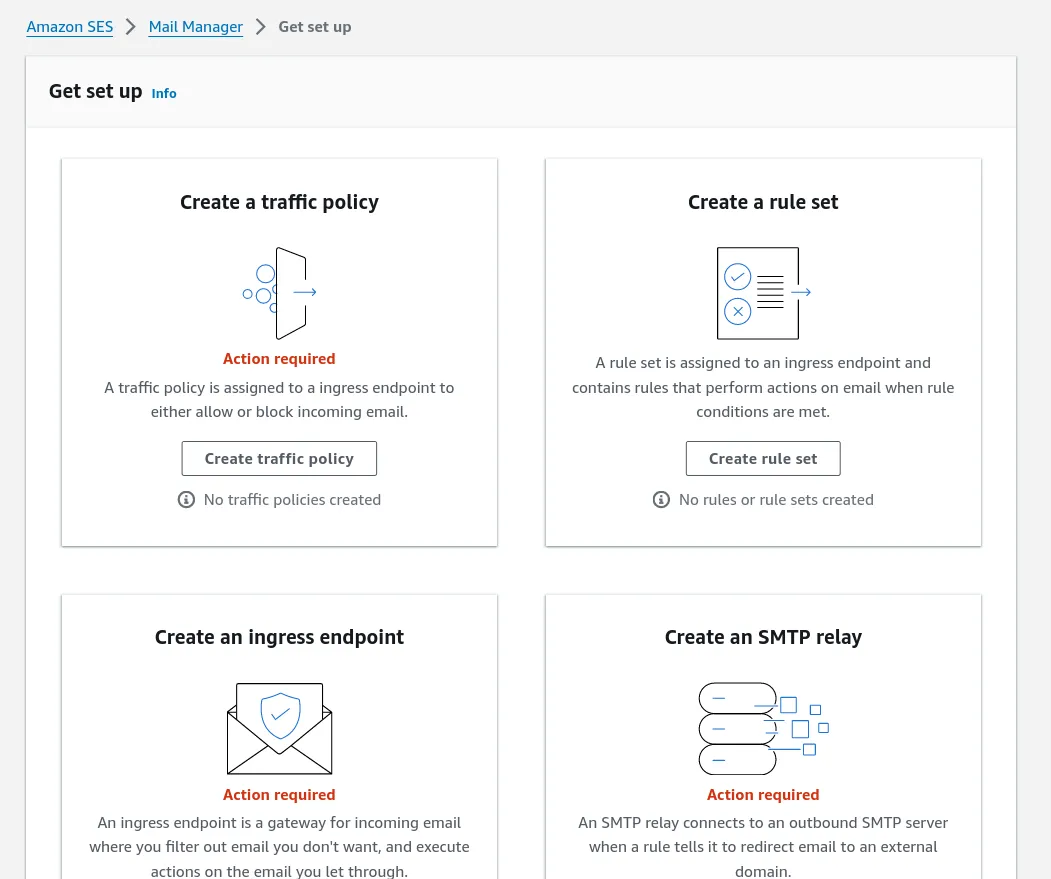
You can use SES Mail Manager for advanced email routing and archiving features to manage your inbound and outbound emails with more control and efficiency.
To me, it feels like an improved version of SES email receiving configuration.
You keep making me proud, AWS.
Go or Rust, which language to use for serverless?
Turns out - you will get almost the same performance on a Rust based Lambda function, which you’ll get on a C or C++ Lambda function.
But here is the thing.
You know JavaScript and maybe TypeScript as well. You don’t know Rust or Go, but you’ve realised that the long 200ms startup on a NodeJS runtime is keeping you awake at night.
Here are your options:
NextJS gets faster on EC2
If you’re hosting NextJS on Vercel or Netlify with server side rendering, your application will suffer from cold start.

What if we keep the server running 24/7? We get no cold starts at all, plus faster application load time.
Win win, if you ask me.
Add a CDN for caching
You can put a CDN like CloudFront or CloudFlare to cache the response on the global network.
Save making unnecessary requests, save the planet.
Edge function
You won’t be able to use the Edge function. I am pretty sure most people don’t need it.
To improve latency, you can set up latency routing in Route53, and have more EC2 instances running in other regions (improves distribution and availability).
The best API builder / CMS for small projects
There are tons of open source CMS (Content Management Systems) like Strapi, Keystone, Ghost and many more.
Recently I found PocketBase and built a library management system.
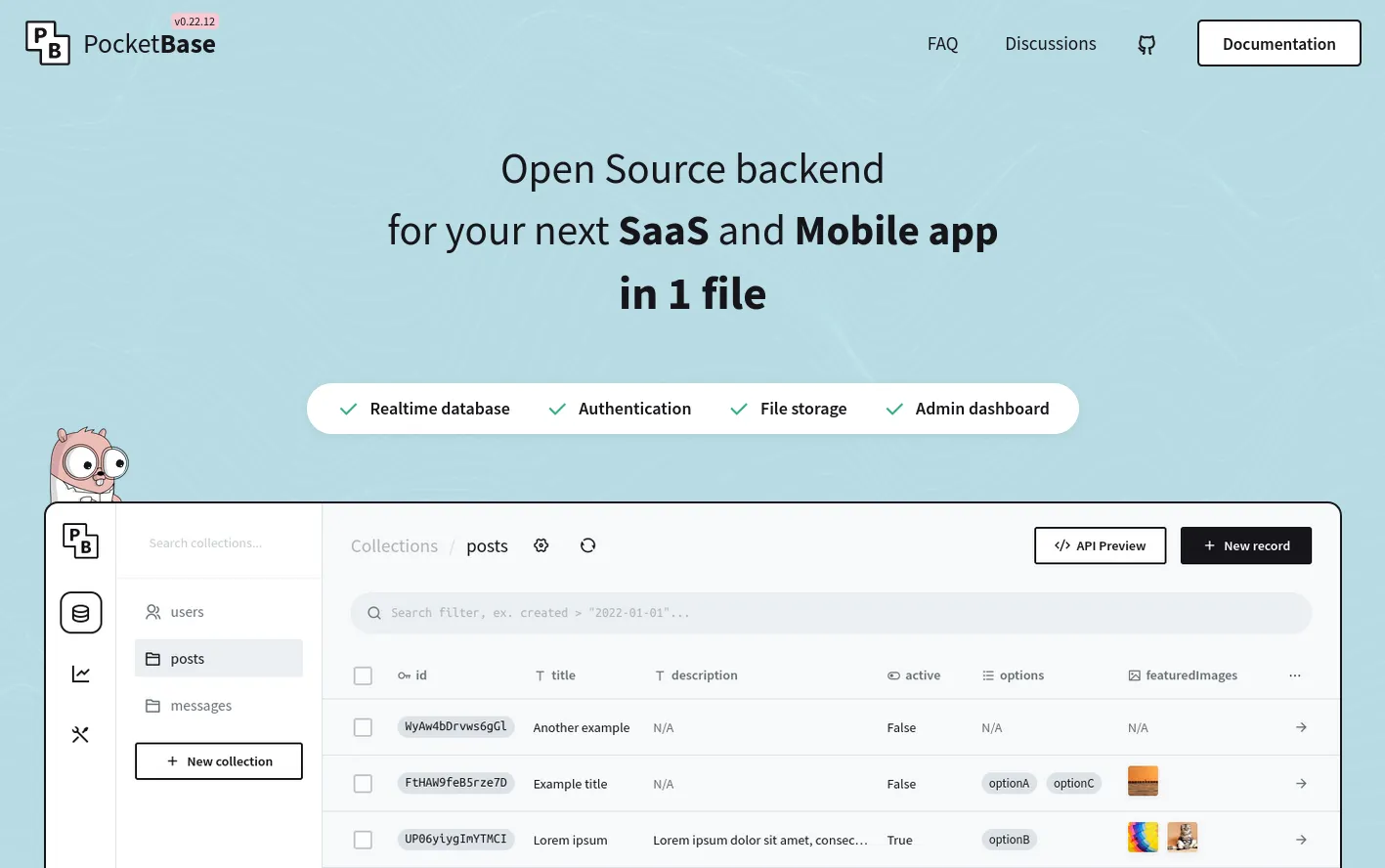
It’s written in Go, and it is pretty easy and straight-forward to use.
- No DB hosting required
- SDK for JavaScript and Dart
- Single binary executable
- Realtime database with SSE
- Extends with Go and JavaScript
Hosting applications and servers on Raspberry Pi
I understand the need for the Cloud, but if have a stable high speed internet at your home or office you can get yourself a Raspberry Pi for $60 (2 months of EC2).

Once you have the Raspberry Pi, here is what you need to do:
- Flash Raspberry Pi OS in SD card
- Login to Pi via SSH connected to your network
- Install the language tools of your choice
- Setup CloudFlare tunnel to expose your local network to the internet
That’s all.
Now you’ve got yourself a 4GB VPS just for $60 and now you’re saving $360 every year.
Further you can upgrade your Raspberry Pi to use a NVME SSD for faster performance.