This edition is all about AWS pricing calculators.
All the AWS calculators we made till now has been revised and updated.

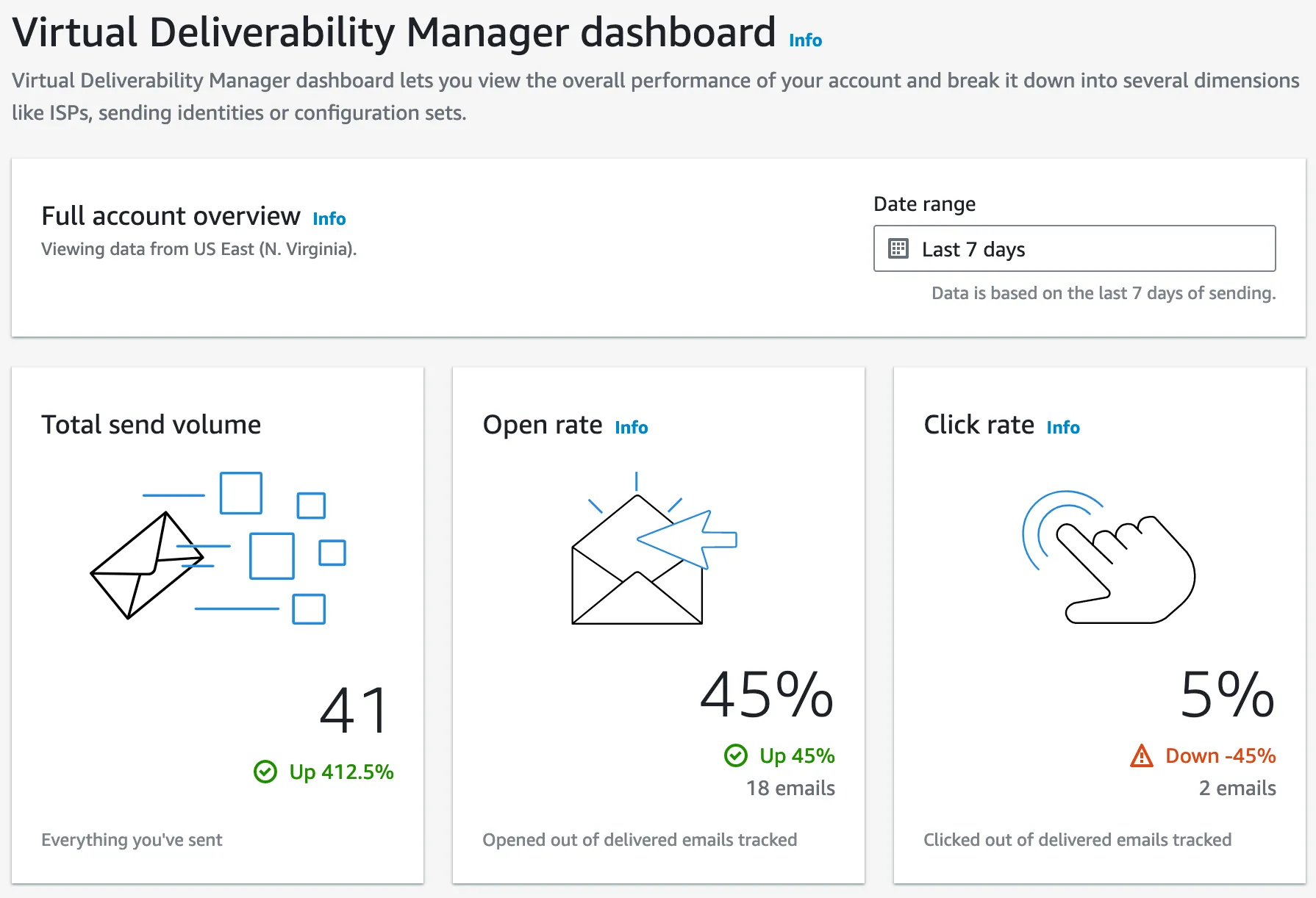
You loved my email last week.
Almost 50% of my biweekly emails got opened.
This means the remaining 50% is either one of the following:
- Is busy
- Is on vacation
- Is an expert at AWS
- Is reading just the headlines
Either way, I love you. If you keep reading this email till the end, there’s a bunch of new stuff for you.
If you ever wanted an AWS Consultation, now you can!
If you are an individual who needs to pick my brain for an hour on AWS services like Amazon DynamoDB, Serverless APIs (AWS Lambda, API Gateway), CDK deployment, or you are in an organisation where your team needs to be AWS trained, you can book a consultation with me using this form in my website.
In the form, you can tell me what AWS work you need help with, and I’ll get back to you faster than the Moon goes around the Earth.
This week, Fargate finally opened up to me.
How was Pride Month for you? June has came to an end.
If you follow me on LinkedIn, you might have noticed that I put a 🏳️🌈 flag next to my name for pride month.
It was a story of Serverless gone RIGHT!
Fargate ECS and hosted Docker Image on ECR.
Previous week I tried running Fargate once again and I was successful. There will be a blog on it soon.
AWS Fargate Calculator
I’m not obsessed with calculators. I swear.
I just love the pain I go through while I make them. I couldn’t hold back on the idea on building this - right after I had my shot at AWS Fargate and Amazon ECS.
Tell me you needed a library for this :P
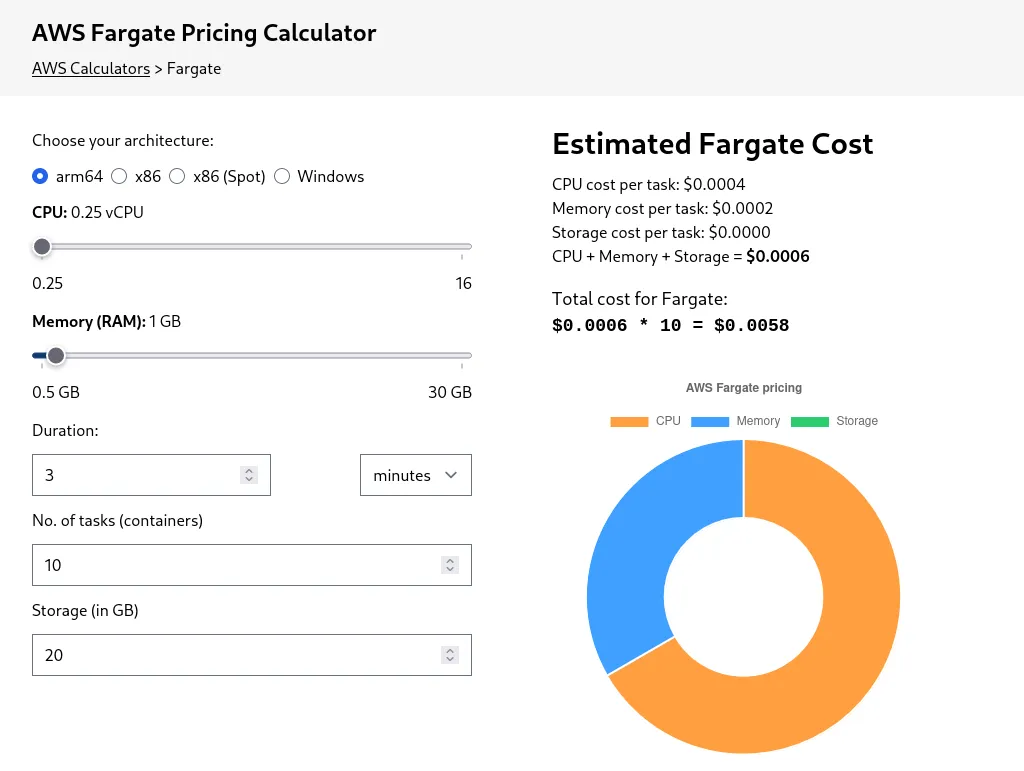
Sit back, relax, and try playing with the sliders. Have feedback? Hit me with it by replying to this email. I LOVE feedback.
Amazon EC2 Calculator (the hardest calculator I’ve ever made)
Did you think I was done building calculators?
Hell naw.
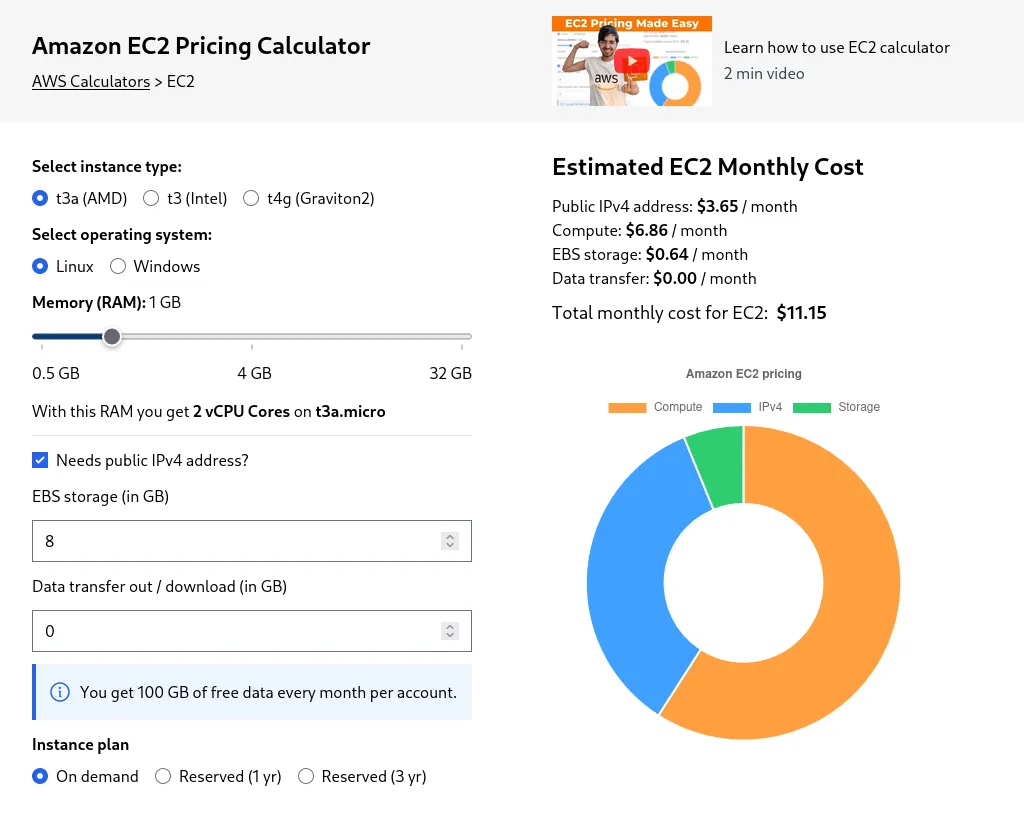 This Amazon EC2 calculator took me two days, 5 meals and almost zero washroom breaks to develop.
Zero AI too. (AI couldn’t make this calculator in a million years, even if it wanted)
Why was this Amazon EC2 Calculator SO HARD, in comparison to my other calcs? In EC2, to tell the price, you can’t just do that.
You would have to account for:
- vCPU
- Memory
- Instance types
- Storage
- Network bandwidth
- Commitment (On demand / Spot Instance / 1 year Reserved Instance / 3 year Reserved Instance), then if they are paying All Upfront, Nothing Upfront, or Partially Upfront
- Architecture (AMD, ARM, ARM but in Graviton2, Intel Xeon)
- OS (Linux, Windows etc.)
It’s insane. Who built the original Amazon EC2 Calculator?
I just wanna know, for good purposes.
It’s complicated, so I’m here to build a simplified one. One that doesn’t scare the shit out of developers who want to use EC2.
So I had to do these:
- JSON here, optimisation there.
- API fetching here, TypeScript there.
Listen to AWS pricing updates via SNS
If you’ve always wanted your hands on the Amazon EC2 Price List API, here you go.
I can even set up Price Update notifications for your SNS, and my calculator will never give you the wrong price - crazy right?
A sneak peek into the JSON optimisation - where I reduced redundancy of all the EC2 instance types and cut file size by more than 50%.
Took it from 239 lines (weighing 8 KB), to a measly 29 lines (weighing 4 KB)! JSON-shaking should be a term.
Not putting this in my CV / resume yet.
// 239 lines -- 8 KB

{
  "t3": [
    {
      "vCPU": 2,
      "memory": 0.5,
      "type": "t3.nano",
      "linux_ondemand_price": 0.0052,
      "windows_ondemand_price": 0.0098,
      "linux_1yr_price": 0.0033,
      "linux_3yr_price": 0.0022,
      "windows_1yr_price": 0.0079,
      "windows_3yr_price": 0.0068
    },
	...
  ]
}
// 29 lines -- 4 KB

{
  "t3": [
    [2, 0.5, "t3.nano", 0.0052, 0.0098, 0.0033, 0.0022, 0.0079, 0.0068],
    [2, 1, "t3.micro", 0.0104, 0.0196, 0.0065, 0.0045, 0.0157, 0.0137],
    ...
  ],
  "t3a": [
	...
  ],
  ...
}
See how the instances’ data got squashed, and I removed the redundant field names like vCPU, memory, type etc.?
Now pray for me, or else I might mess up the order of which the prices are in.